

Basic Example
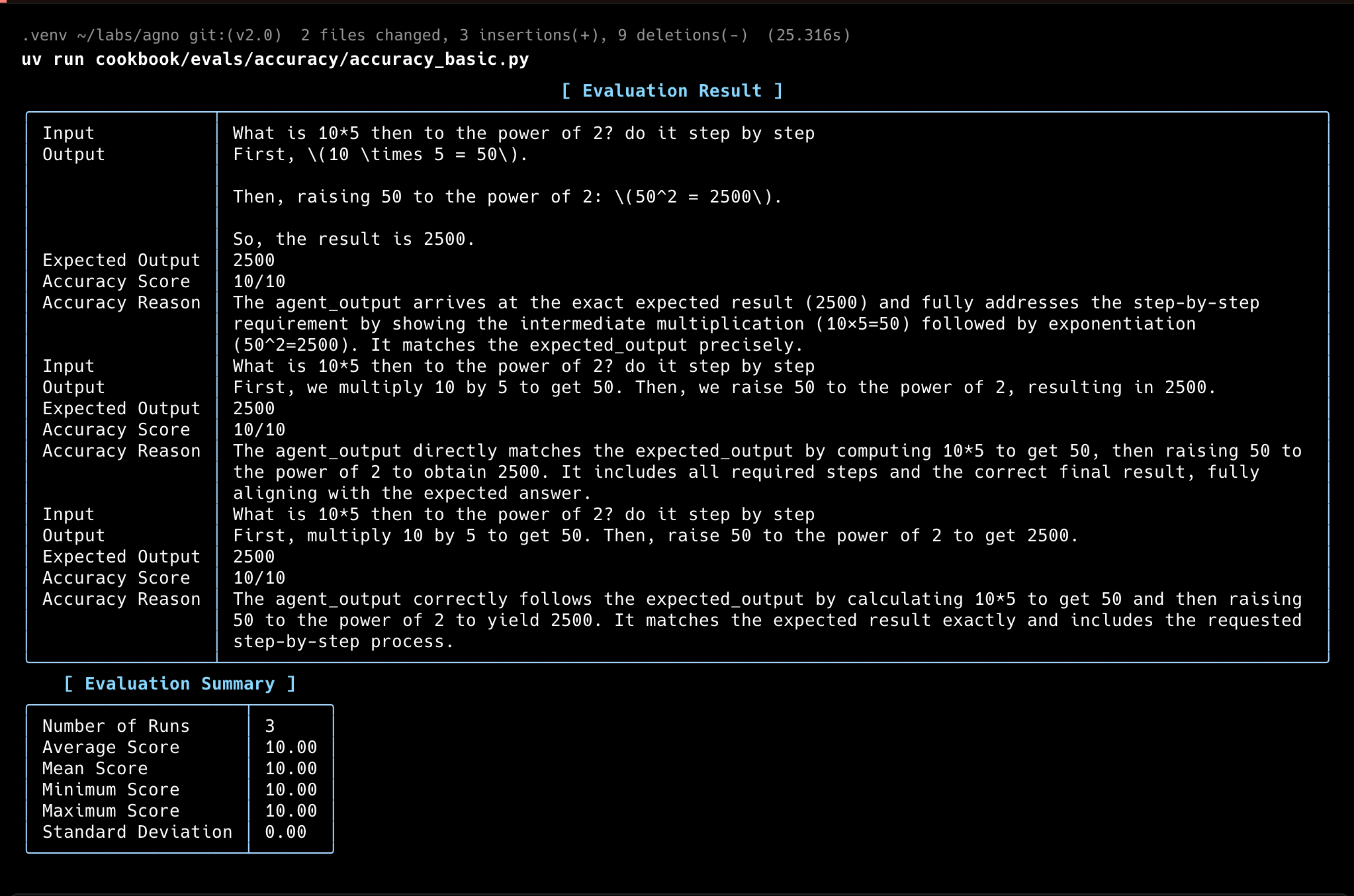
In this example, theAccuracyEval will run the Agent with the input, then use the evaluator model to score the Agent’s response according to the guidelines provided.
accuracy.py
Evaluator Agent
You can use another agent to evaluate the accuracy of the Agent’s response. This strategy is usually referred to as “LLM-as-a-judge”. You can adjust the evaluator Agent to make it fit the criteria you want to evaluate:accuracy_with_evaluator_agent.py
Accuracy with Tools
You can also run theAccuracyEval with tools.
accuracy_with_tools.py
Accuracy with given output
For comprehensive evaluation, run with a given output:accuracy_with_given_answer.py
Accuracy with asynchronous functions
Evaluate accuracy with asynchronous functions:async_accuracy.py
Accuracy with Teams
Evaluate accuracy with a team:accuracy_with_team.py
Accuracy with Number Comparison
Decimal comparisons can trip up LLMs. This eval checks that the agent gets them right:accuracy_comparison.py
Usage
1
Set up your virtual environment
2
Install dependencies
3
Export your OpenAI API key
4
Run
Track Evals in your AgentOS
AgentOS stores evaluation results and exposes them through its API and UI.evals_demo.py
For more details, see the Evaluation API Reference.
1
Install dependencies
2
Export your OpenAI API key
3
Run PgVector
4
Run
5
View the Evals Demo
Head over to https://os.agno.com/evaluation to view the evals.