Building Blocks
- The
Workflowclass is the top-level orchestrator that manages the entire execution process. Stepis the fundamental unit of work in the workflow system. Each step encapsulates exactly one executor: anAgent, aTeam, a custom Python function, or a nestedWorkflow. This design ensures clarity and maintainability while preserving the individual characteristics of each executor.Loopis a construct that allows you to execute one or more steps multiple times. This is useful when you need to repeat a set of steps until a certain condition is met.Parallelis a construct that allows you to execute one or more steps in parallel. This is useful when you need to execute a set of steps concurrently with the outputs joined together.Conditionmakes a step conditional based on criteria you specify.Routerallows you to specify which step(s) to execute next, effectively creating branching logic in your workflow.
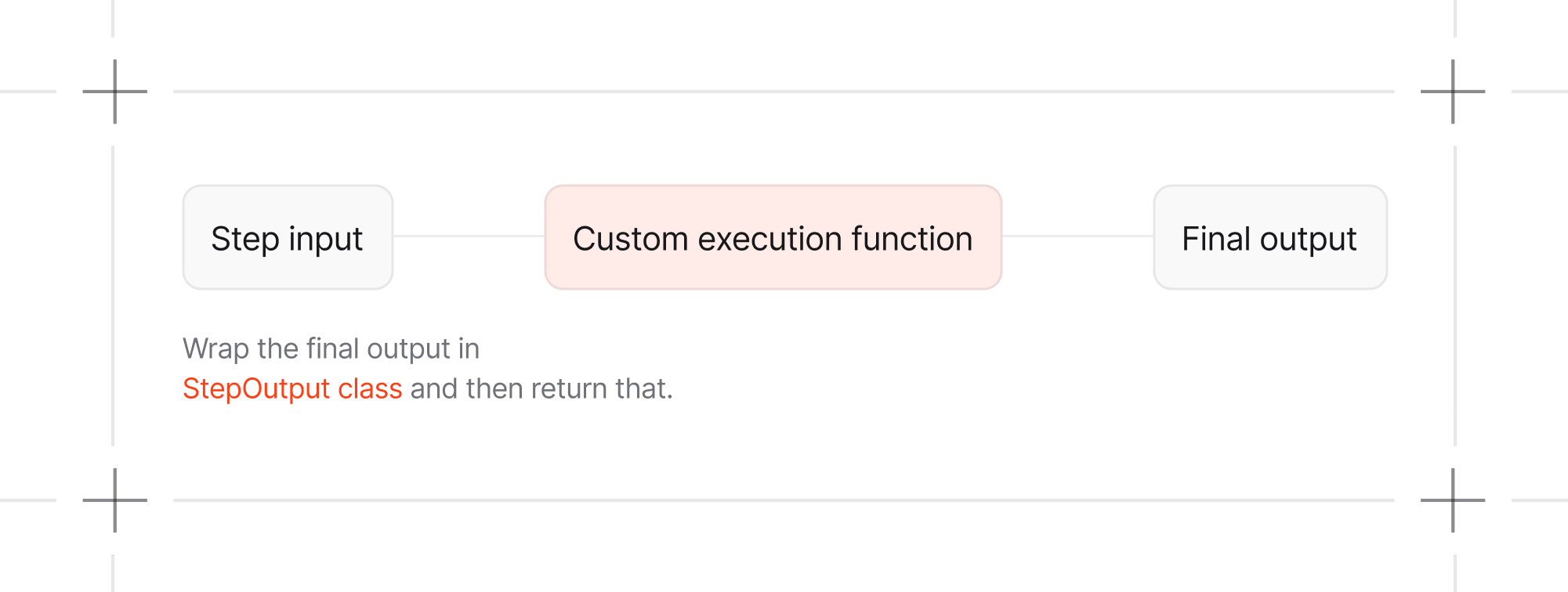
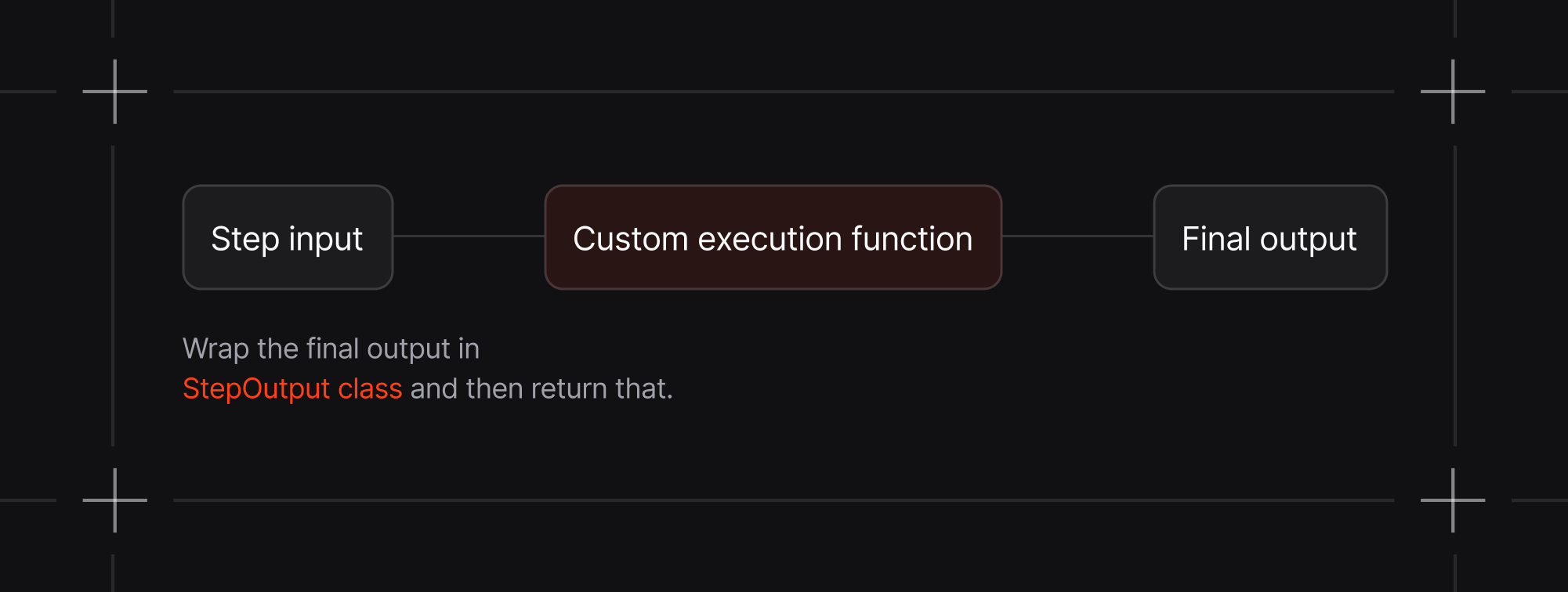
When using a custom Python function as an executor for a step,
StepInput and
StepOutput provides standardized interfaces for data flow between steps: