

Integrating Agno with Arize Phoenix
Arize Phoenix is a platform for monitoring and analyzing AI models. By integrating Agno with Arize Phoenix, you can use OpenInference to send traces and gain insights into your agent’s performance.Prerequisites
-
Install Dependencies
Ensure you have the necessary packages installed:
-
Setup Arize Phoenix Account
- Create an account at Arize Phoenix.
- Obtain your API key from the Arize Phoenix dashboard.
-
Set Environment Variables
Configure your environment with the Arize Phoenix API key:
Sending Traces to Arize Phoenix
-
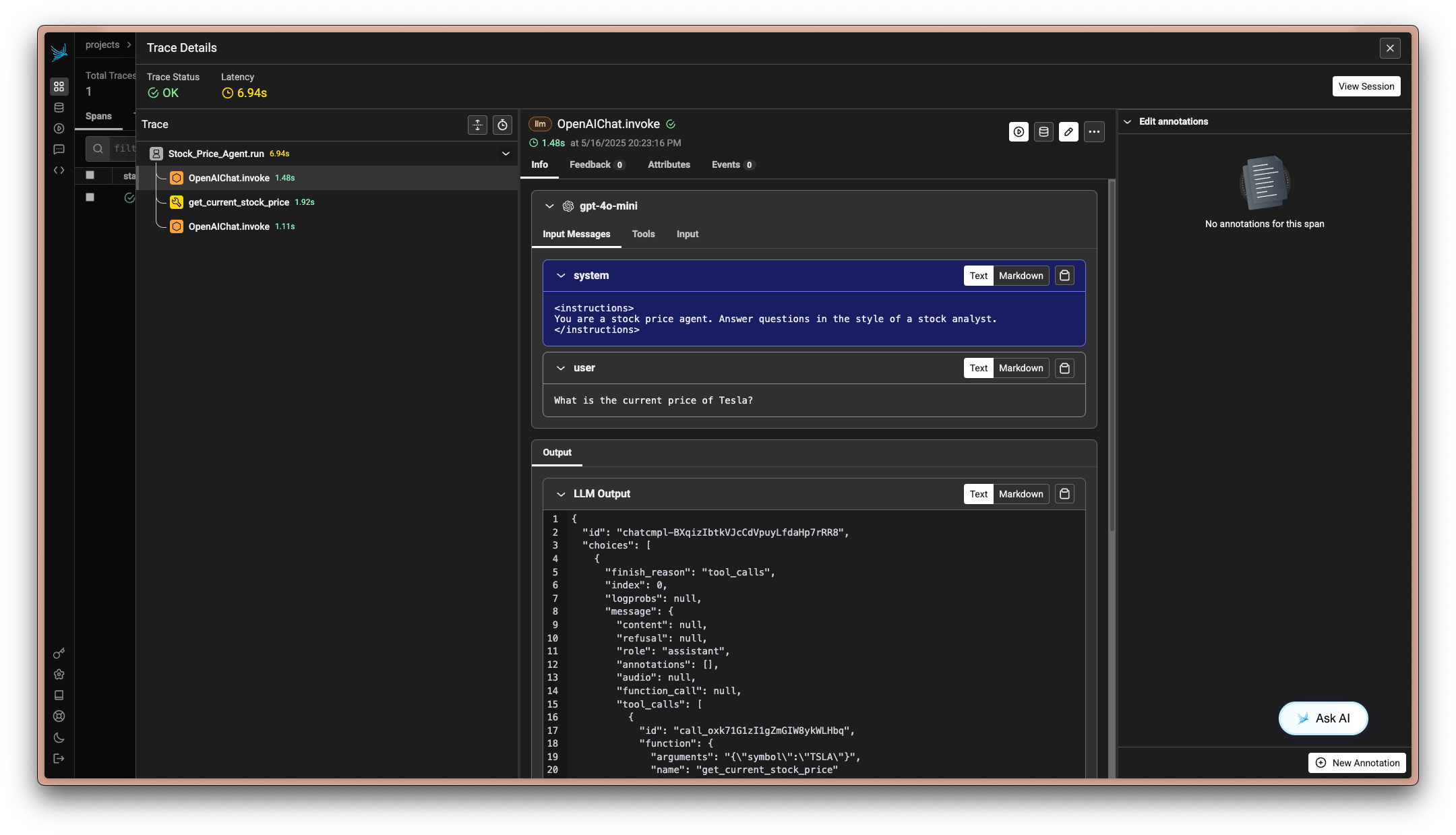
Example: Using Arize Phoenix with OpenInference
-
Example: Local Collector Setup
Notes
- Environment Variables: Ensure your environment variables are correctly set for the API key and collector endpoint.
- Local Development: Use
phoenix serveto start a local collector for development purposes.