

Integrating Agno with LangDB
LangDB traces Agno agent runs, tool calls, team interactions, and model metrics. For detailed integration instructions, see the LangDB Agno documentation.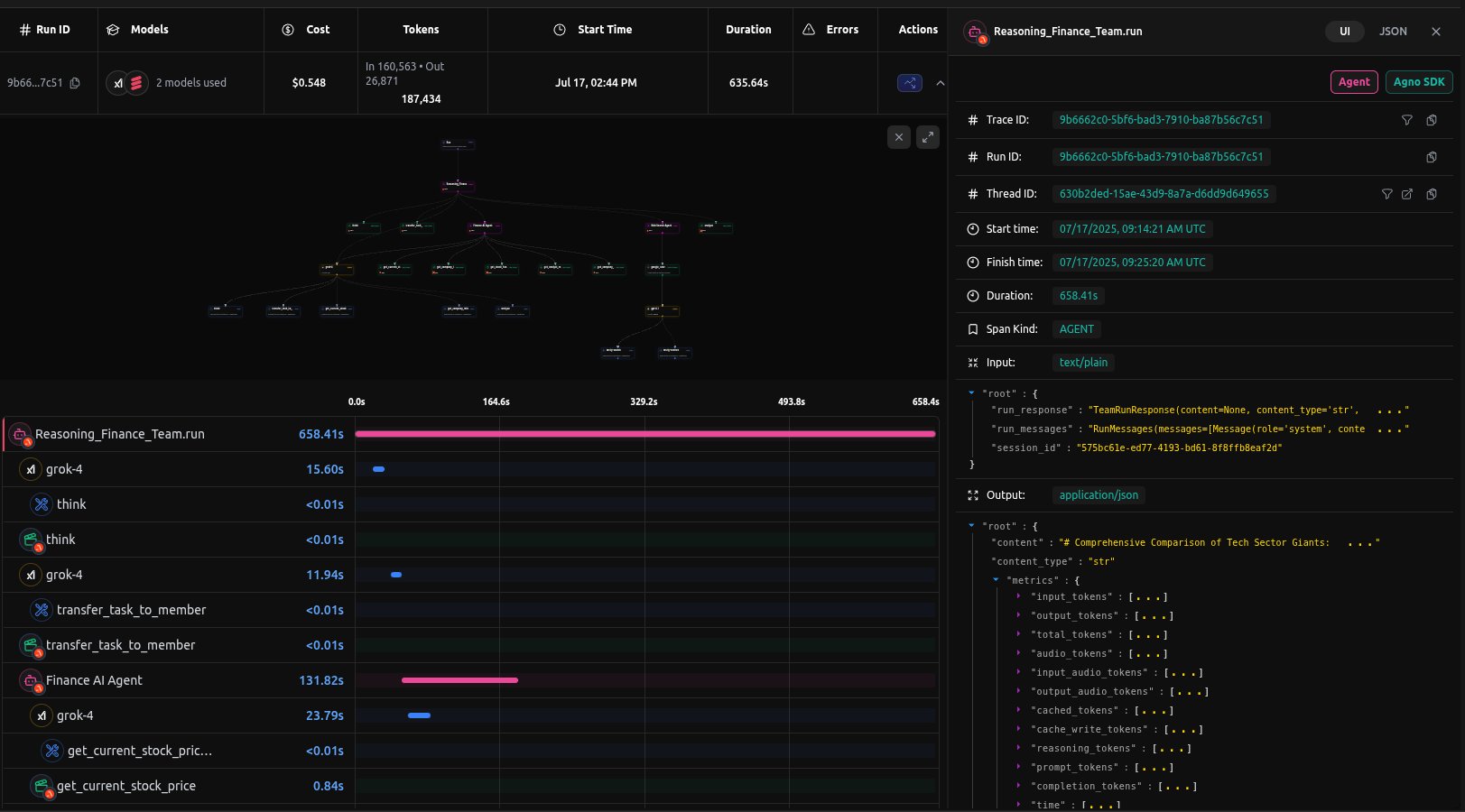
LangDB Finance Team Trace
Prerequisites
-
Install Dependencies
Ensure you have the necessary packages installed:
-
Setup LangDB Account
- Sign up for an account at LangDB
- Create a new project in the LangDB dashboard
- Obtain your API key and Project ID from the project settings
-
Set Environment Variables
Configure your environment with the LangDB credentials:
Sending Traces to LangDB
Example: Basic Agent Setup
Instrument your Agno agent with LangDB tracing.Example: Multi-Agent Team Coordination
For more complex workflows, you can use Agno’sTeam class with LangDB tracing:
Sample Trace
View a complete example trace in the LangDB dashboard: Finance Reasoning Team Trace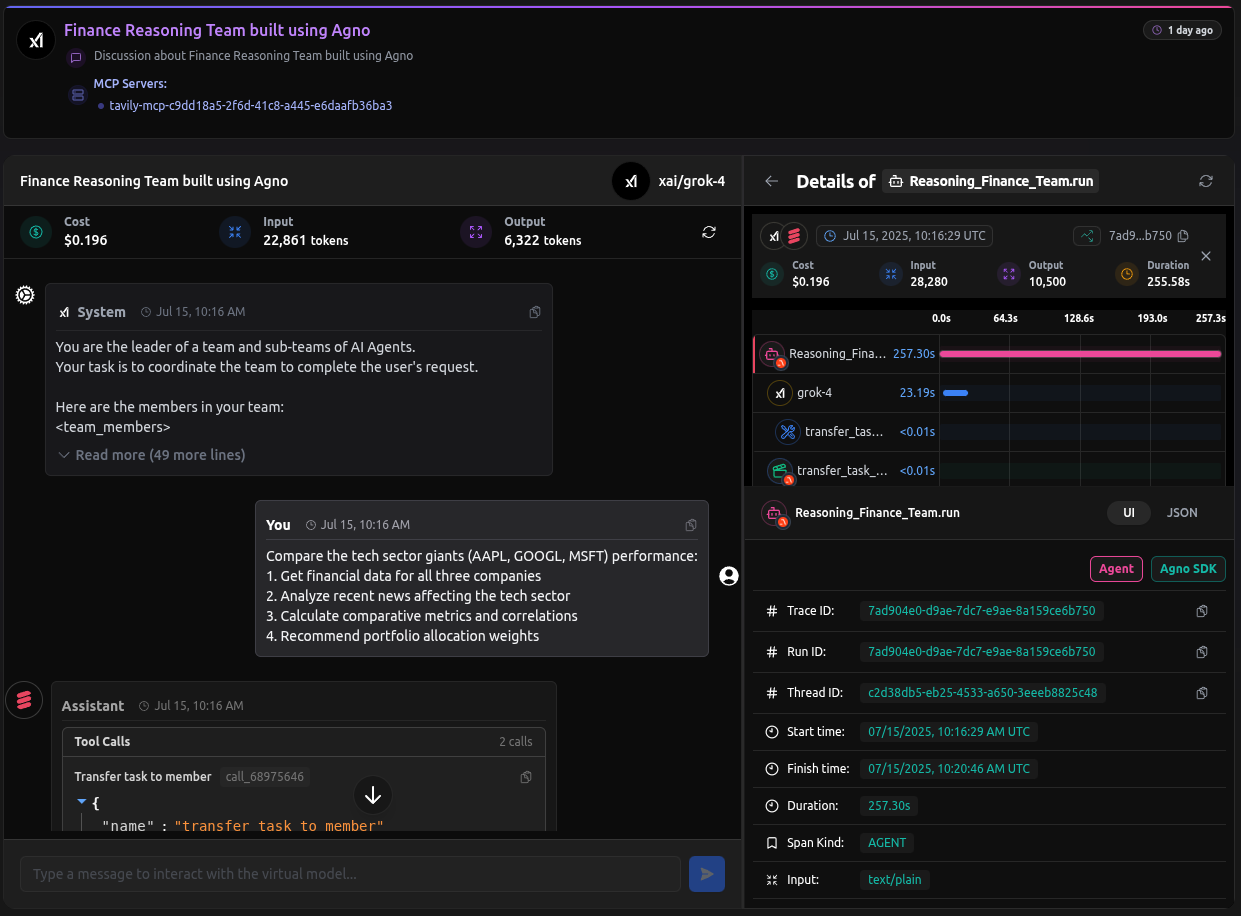
LangDB Finance Team Thread
Advanced Features
LangDB Capabilities
- Virtual Models: Save and reuse model configurations with prompts, parameters, tools, and routing logic.
- MCP Support: Attach Model Context Protocol servers to models.
- Multi-Provider: Route requests to OpenAI, Anthropic, Google, xAI, and other providers.
Notes
- Initialization Order: Always call
init()before creating any Agno agents or teams - Environment Variables: With
LANGDB_API_KEYandLANGDB_PROJECT_IDset, you can create models with justLangDB(id="model_name")